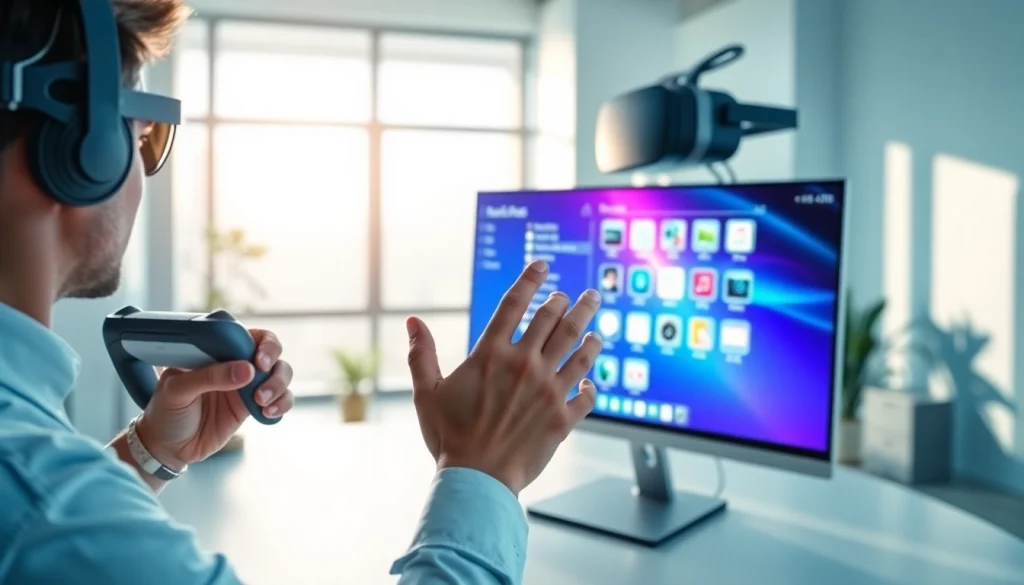
Understanding Virtual Desktop Technology
Definition and Overview of Virtual Desktop
The concept of a virtual desktop refers to a technology that allows users to access a desktop environment from multiple devices over the internet. This environment replicates a physical desktop setup, enabling users to run applications, store files, and perform regular computing tasks as if they were working in front of a traditional computer. The essence of the virtual desktop is its ability to create a seamless, user-friendly experience regardless of location or device, thus heralding a transformative shift in how individuals and organizations interact with their computing ecosystems.
How Virtual Desktop Works
A virtual desktop functions through a series of interconnected technologies. At its core, it relies on virtualization software that runs on a central server, which then streams desktop images to various endpoint devices—be it PCs, tablets, or smartphones. The fundamental components of this technology include:
- Virtual Machine (VM): Each virtual desktop is hosted on a virtual machine that emulates a user’s physical desktop, including the operating system and applications.
- Remote Desktop Protocols: This technology uses protocols such as RDP (Remote Desktop Protocol) or PCoIP (PC over IP) to transmit the desktop content to the user’s device.
- Infrastructure: A robust cloud infrastructure is crucial for good performance, ensuring low latency and high availability of the virtual desktops.
The synchronization between the user inputs and the virtual environment happens in real-time, allowing for a fluid experience that mimics the attributes of traditional computing while offering the ability to connect remotely.
Types of Virtual Desktop Solutions
Various types of virtual desktop solutions cater to different organizational needs. The primary distinctions among these solutions include:
- Desktop-as-a-Service (DaaS): This is a cloud-based service where the virtual desktop infrastructure (VDI) is hosted in the cloud and managed by a service provider.
- On-Premises VDI: Organizations can host their virtual desktops on their own servers, maintaining control over the environment. This option provides more customization and may be preferable for businesses with specific security needs.
- Persistent and Non-Persistent Desktops: Persistent desktops keep a user’s settings and files saved over sessions, while non-persistent desktops are reset after each session, providing a clean environment each time.
Choosing the right type of virtual desktop solution depends on factors like budget, company size, and specific use cases, such as remote work or secure data access.
Advantages of Using Virtual Desktop
Increased Flexibility and Accessibility
One of the major advantages of utilizing virtual desktop technology is the enhanced flexibility it offers. Employees can access their desktop environment and applications from any location with an internet connection. This capability is exceptionally beneficial for organizations that operate remotely or have employees spread across various locations. Additionally, businesses can implement BYOD (Bring Your Own Device) policies more efficiently, allowing for a diverse range of devices to access the work environment without compromising security.
Cost-Effectiveness for Businesses
Implementing a virtual desktop solution can lead to considerable cost savings for businesses. Here’s how:
- Reduced Hardware Costs: Spending on physical hardware is minimized since fewer local machines are needed. Users can often access virtual desktops using lightweight devices.
- Lower Maintenance Costs: Centralized management of desktops means decreased IT support costs. Updates and patches can be done across the board simultaneously, reducing downtime.
- Scalability: As businesses grow, adding new users becomes easier and more cost-effective compared to traditional setups.
All these factors culminate in a more streamlined, efficient, and economically viable IT environment.
Enhanced Security Features
Security is a paramount concern for organizations, and virtual desktops improve security practices significantly. Key features include:
- Centralized Data Storage: With data stored on secure servers instead of individual devices, the risk of data loss or theft is significantly reduced.
- Access Control: Administrators can enforce strict access controls and permissions to sensitive data, ensuring that only authorized personnel have access to critical applications and files.
- Encryption: Data transferred over networks can be encrypted, providing an additional layer of protection against external threats.
These features create a more secure environment while facilitating compliance with industry regulations regarding data protection.
Common Challenges with Virtual Desktop Implementation
System Compatibility Issues
While the benefits of virtual desktops are considerable, challenges exist. One primary issue is system compatibility. Different operating systems, applications, and hardware platforms may not interact seamlessly in a virtual environment. Ensuring that all components work together effectively can require significant testing and sometimes involve additional costs to adapt software solutions.
Network and Connectivity Challenges
Network stability is a crucial factor in virtual desktop success. Poor internet connectivity can lead to lag and reduce the user experience. Organizations need a robust network infrastructure, often requiring investment in high-speed internet services and network reliability solutions to mitigate potential disruptions. Employing Quality of Service (QoS) policies can help prioritize traffic to ensure virtual desktop connections remain stable during peak usage times.
User Training and Adoption
The implementation of a virtual desktop requires training users to adapt to the new system. Resistance to change can hinder adoption rates. Providing adequate training sessions, creating user guides, and ensuring support can empower users to embrace the technology confidently. Additionally, fostering a culture of collaboration between IT teams and end-users can facilitate a smoother transition.
Best Practices for Optimizing Virtual Desktop Experience
Maintaining Performance and Speed
To ensure a high-quality user experience, organizations must actively monitor and optimize virtual desktop performance. Implementing resource management strategies, like load balancing and regular performance assessments, is essential. Monitoring tools can provide insights into CPU usage, memory performance, and network latency, allowing for proactive adjustments to maintain optimal operation.
Regular Updates and Security Protocols
Another best practice is to keep all systems updated. This includes regular updates to the operating systems, applications, and security protocols. Establishing a routine for patch management not only enhances performance but also mitigates security vulnerabilities. Effective communication regarding scheduled maintenance windows with all users can help minimize disruptions.
User Feedback and Continuous Improvement
Gathering user feedback is critical in continuously improving the virtual desktop experience. Feedback mechanisms, such as surveys or suggestion boxes, help identify areas of improvement. Organizations should actively encourage communication, rewarding constructive suggestions, and promptly addressing issues to foster a sense of ownership among users. Continuous improvement allows businesses to adjust quickly to market changes and user needs.
Future Trends in Virtual Desktop Technology
Integration with Cloud Computing
The future of virtual desktop technology is inexorably linked to developments in cloud computing. As infrastructure-as-a-service (IaaS) and platform-as-a-service (PaaS) models mature, organizations will further leverage these cloud capabilities to enhance their virtual desktop offerings. Increased reliance on cloud services facilitates greater scalability, flexibility, and cost-efficiency, aligning perfectly with contemporary business needs for remote work solutions.
Advancements in User Interface Design
As technology evolves, so too must the user interfaces of virtual desktops. Innovations in design, focusing on user experience, are crucial to keeping pace with the demands of modern users. Integrating artificial intelligence (AI) can enable more intuitive interfaces, enhancing user engagement and productivity. Simple, aesthetically pleasing designs that facilitate easy navigation will likely prevail in future improvements.
Predicted Market Growth and Innovations
The market for virtual desktops is poised for significant growth, driven by an increasing demand for mobile workforce solutions and the rise of remote working trends. Future innovations may include greater integration of machine learning for predictive analytics, better customization options for organizations, and enhanced automation features that facilitate routine processes within the virtual desktop environment. As these technologies mature, businesses can expect substantial benefits in efficiency and productivity.